Enter the studio.
On a computer, use the keyboard, mouse or a standard gamepad. For VR, open the studio’s HTTPS address in a compatible headset browser, such as Quest Browser, and choose Enter VR.
BROWSER + WEBXR / TWO OCTAVES
Your first melody.
Within reach.
Follow the light from note to key. Learn a melody in your browser, or place a playable piano in front of you in VR.
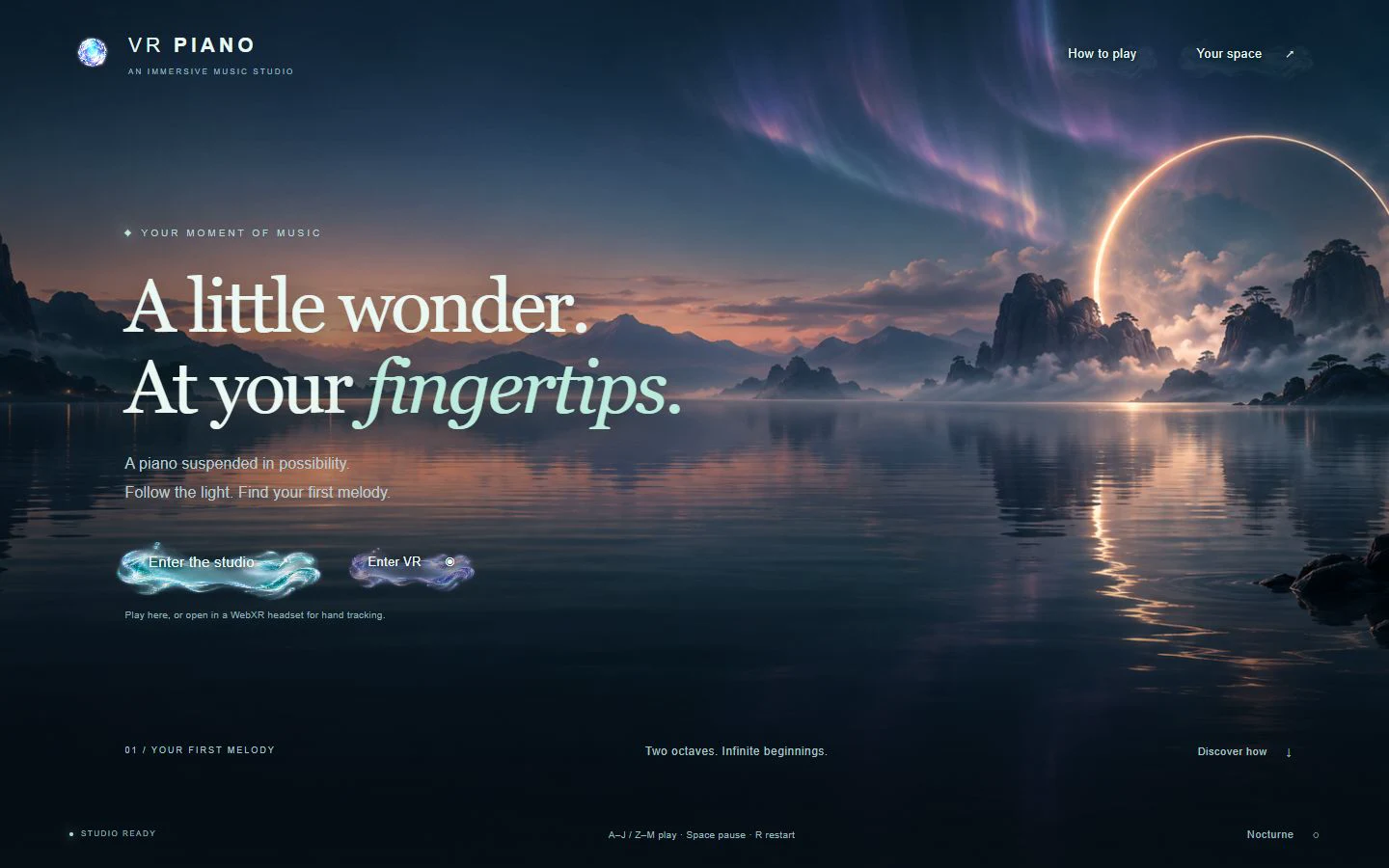
TypeScript connects the lesson rules to React controls, a Three.js piano and local Web Audio synthesis. WebXR adds headset views, tracked fingertips and controller rays to the same instrument.
Learn “Twinkle, Twinkle, Little Star” one note at a time. The guided sequence waits at the strike line until you play the correct key. Watch the demonstration, then try it yourself.
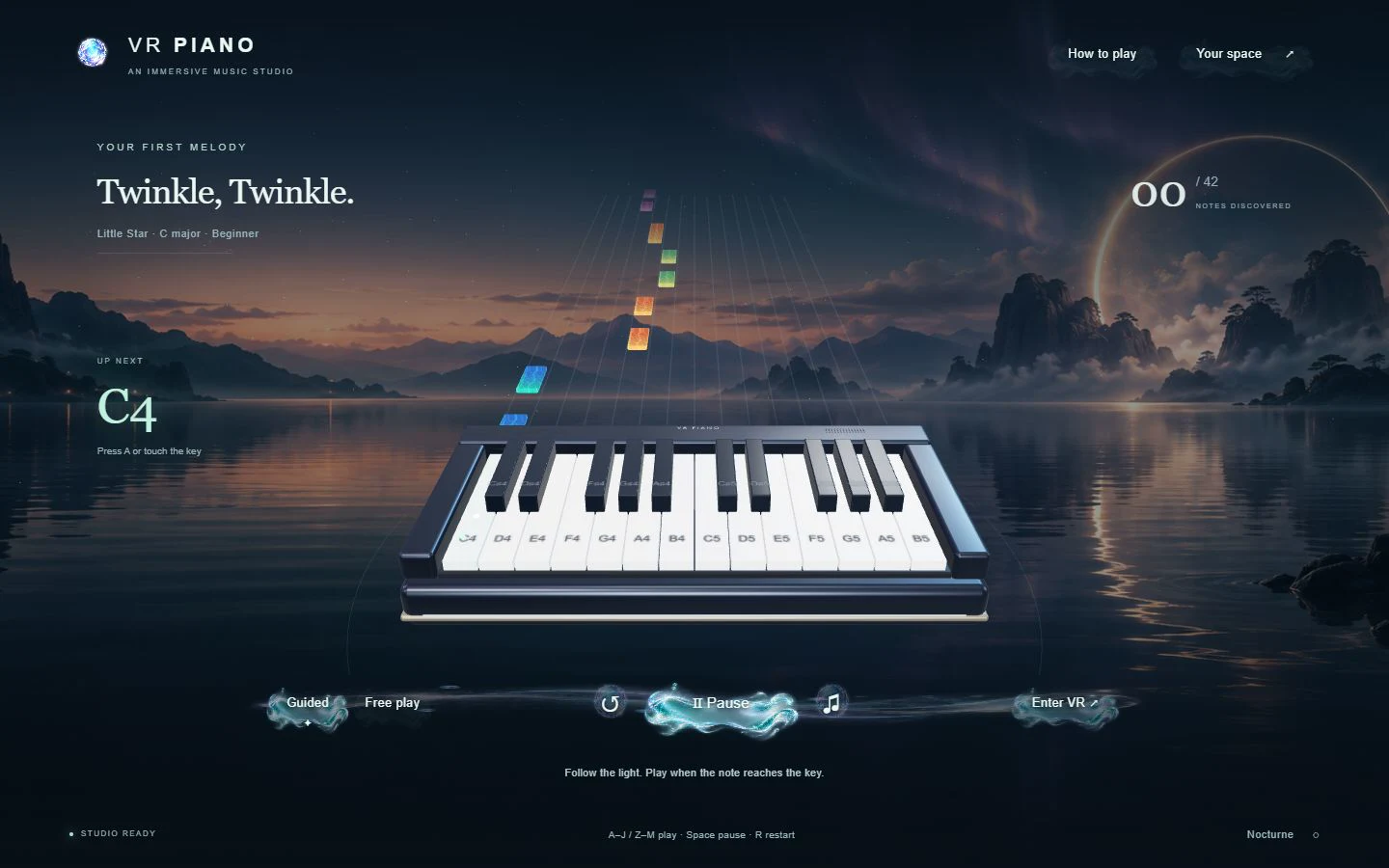
Colored notes lead to labeled keys. Switch to free play to explore notes and chords without following the song; sound is synthesized locally in the browser.
BROWSER CAPTUREStart with a smaller-hands or adult-reach preset, then adjust the key width, keyboard height, distance and press depth. Fit preferences stay on your device. Recenter the instrument to face your seated position.
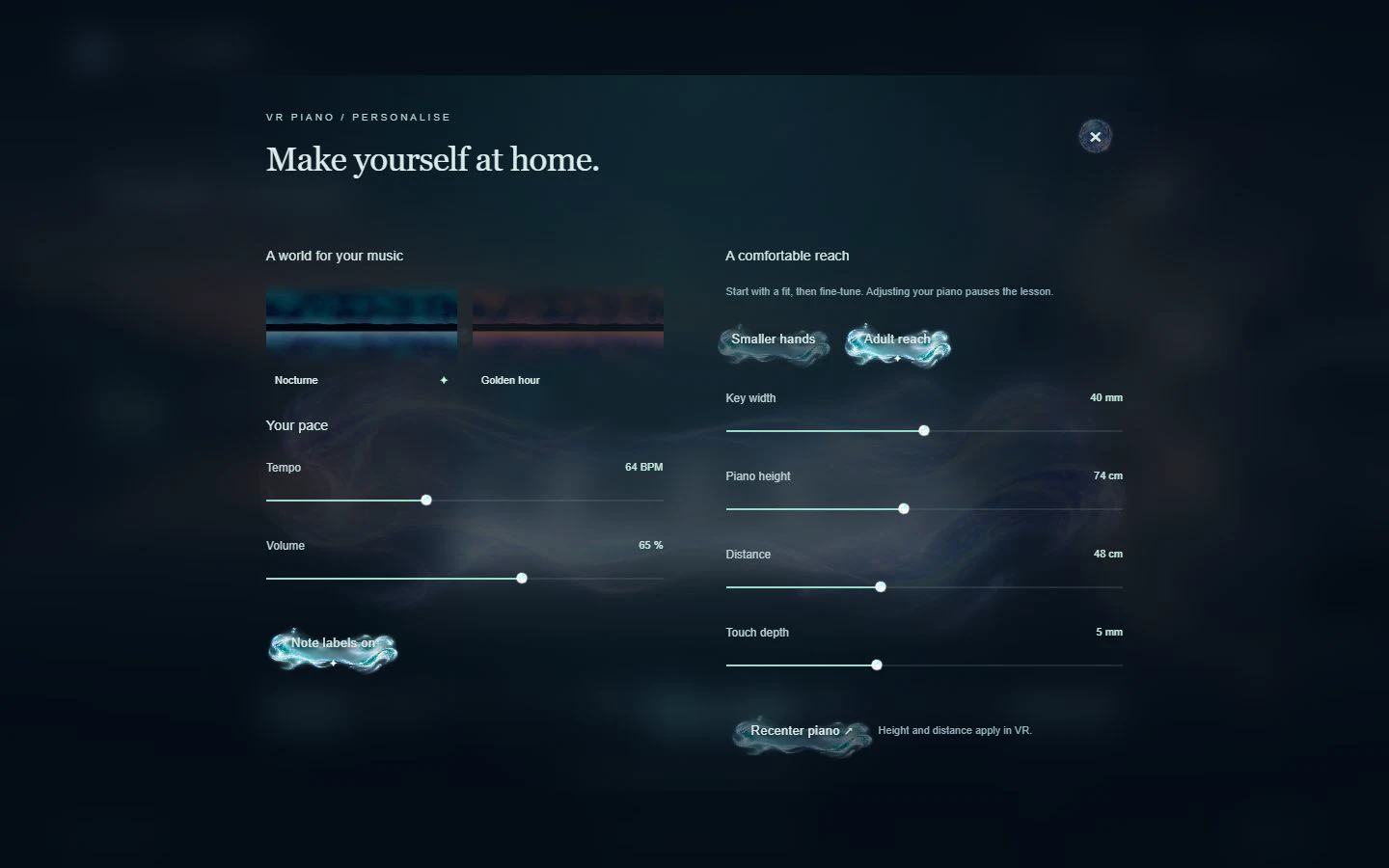
Choose Nocturne or Golden hour, set the tempo and volume, and toggle note labels. Height and distance take effect in VR; changing the fit pauses the lesson.
BROWSER CAPTUREApproaching notes, key illumination and a soft afterglow connect what you see to what you play. Demo mode performs the melody so you can follow the sequence before taking over.
A 15-second, silent recording of the browser demonstration. This is the real application, not footage recorded inside a VR headset.
On a computer, use the keyboard, mouse or a standard gamepad. For VR, open the studio’s HTTPS address in a compatible headset browser, such as Quest Browser, and choose Enter VR.
Adjust the keyboard until both ends are within comfortable reach, then recenter while facing forward. This is an immersive VR scene, not passthrough or an overlay on a physical piano.
With supported hand tracking, press into a virtual key with a fingertip. With XR controllers, aim and squeeze the trigger. The floating menu supports touch, ray/pinch selection and controller input.
Desktop shortcut: Space starts or pauses; R restarts; Escape pauses or goes back. Your browser may require a click or keypress to enable sound. Losing hand or controller tracking releases held notes.
The browser studio is available now. VR hand tracking and controllers are implemented, but headset comfort, tracking accuracy and performance still need physical hardware testing.
This is a note-learning and exploration tool, not an assessment of piano technique or rhythmic accuracy. Virtual keys have no physical resistance, and the sound is synthesized rather than sampled from an acoustic piano.
ENTER VR PIANO ↗