BEAT MAKER
Tap kick, snare, hat and clap into a 16-step pattern and hear every hit immediately.
●PLAYFUL MUSIC MAKER / 05
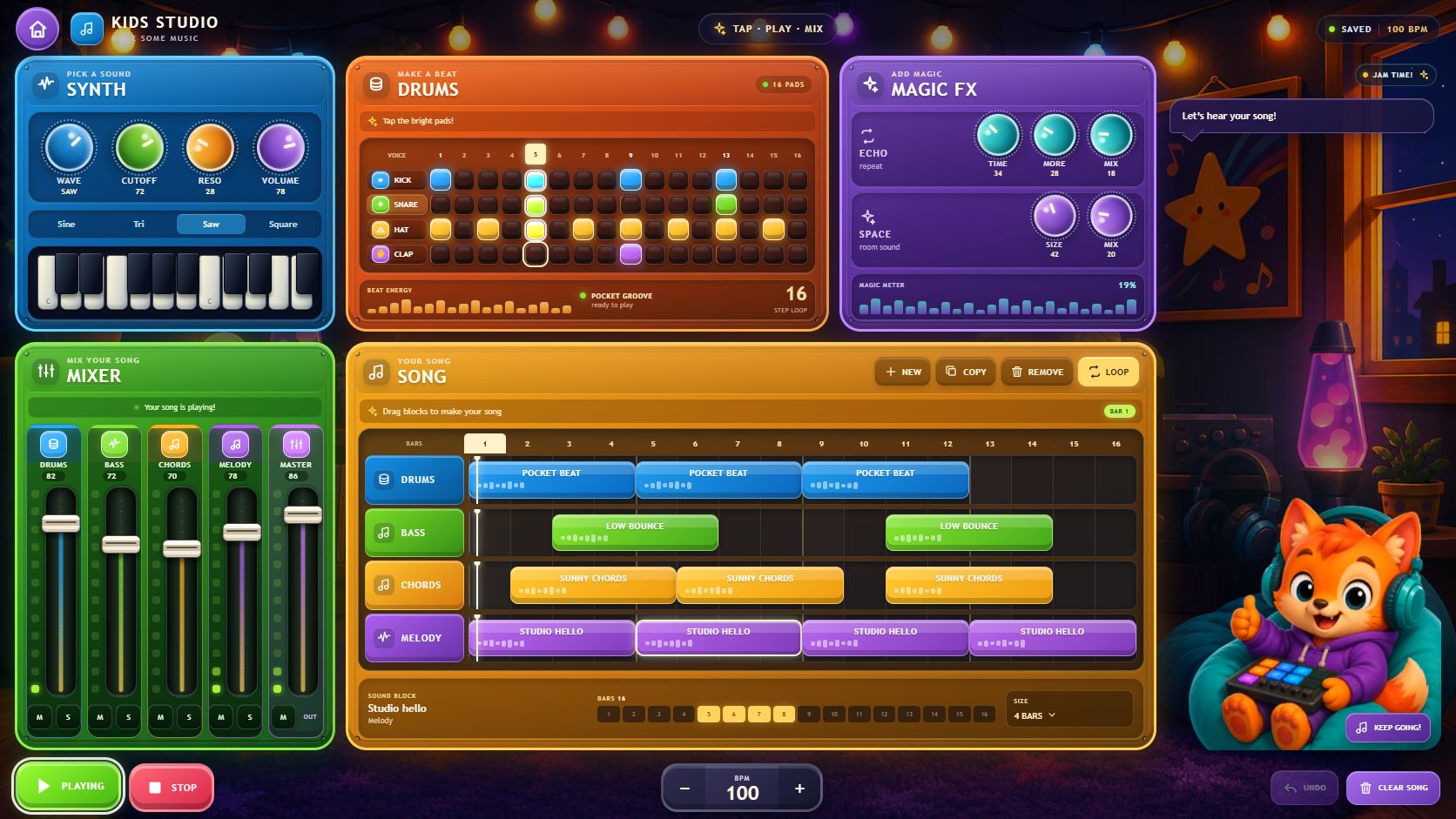 WEB AUDIO / LIVE APP / 05
Tap a beat. Build a song. Make it yours.
Kids Studio is a React and TypeScript browser app built with Vite. A single Web Audio graph synthesizes drums, bass, chords and melody, then routes them through track gains, delay, generated convolution reverb and the master output.
THE APP / 05
Kids Studio is a browser-based music-making app that turns the structure of a real studio into a colorful creative toy. Kids can program drums, write chords, bass and melody, arrange clips, balance the mixer and shape the final sound with delay and reverb.
01Four-voice 16-step drum machine
02Piano-roll writers for chords, bass and melody
03Sixteen-bar clip sequencer with drag, copy and loop tools
04Five-channel mixer, Web Audio effects, undo and local saving
Light steps for kick, snare, hat and clap, then hear the four-voice beat run across sixteen steps.
Place chords, bass and melody on the piano roll with chord, root-following and scale-lock helpers.
Make colored clips and move, copy, resize or remove them across the sixteen-bar song.
Balance five channels, mute or solo parts and add delay and reverb before playing the loop again.
Kids Studio keeps the language of music production—patterns, clips, tracks, mixing and effects—but turns every step into a bright, immediate action. A starter song is ready from the first screen, so making changes begins before setup gets in the way.
OPEN KIDS STUDIO ↗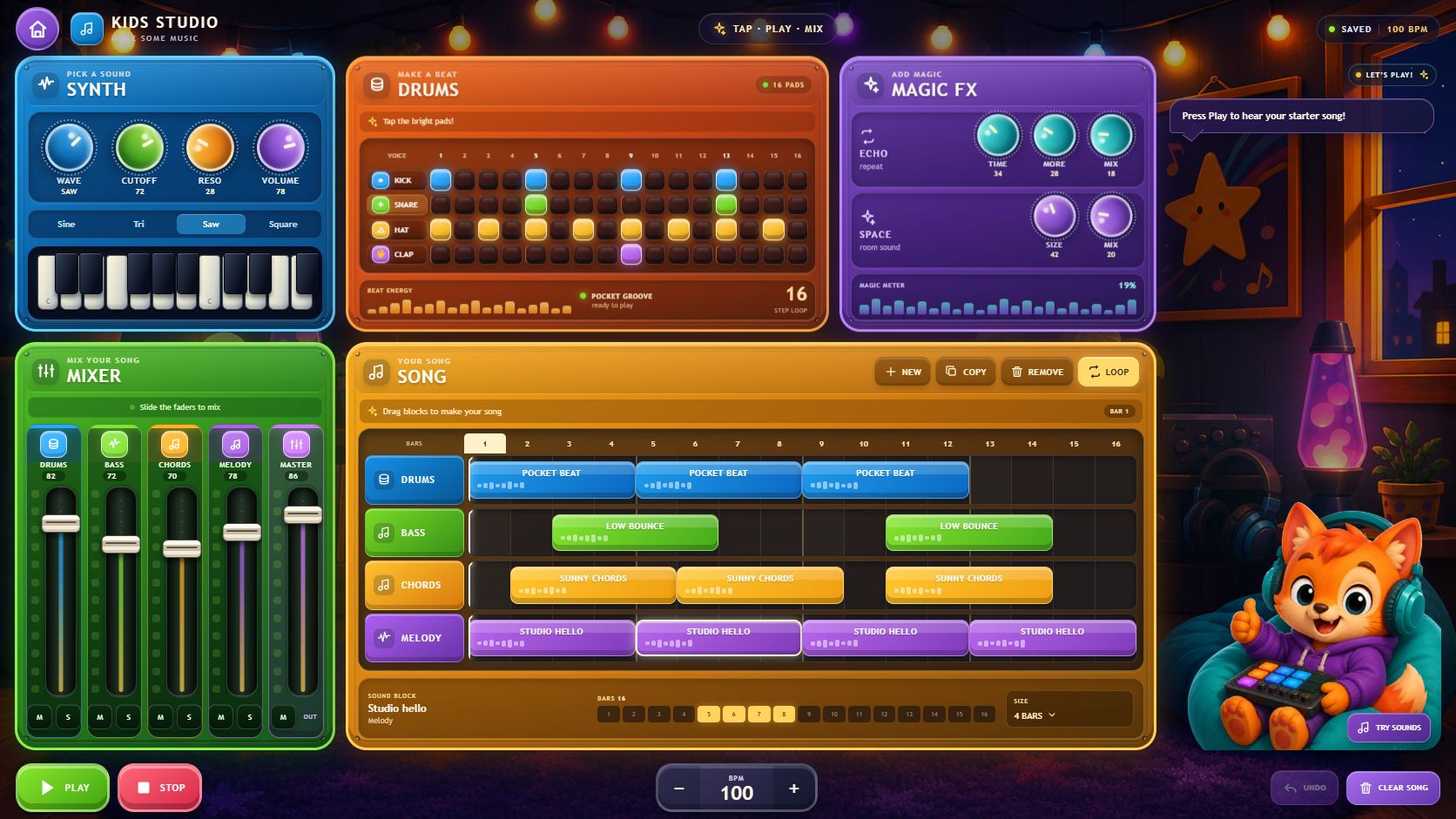
Synth, drums, effects, mixer and the sixteen-bar song live together, so every sound stays connected to the arrangement.
REAL PRODUCT / STARTER SONGThe workflow follows a real music studio without turning the experience into a lesson or a professional DAW.
Tap kick, snare, hat and clap into a 16-step pattern and hear every hit immediately.
●Draw chords, bass and melody on a compact piano roll, with scale lock and friendly chord helpers.
●Turn patterns into colored clips, then move, copy, resize, loop or remove them across sixteen bars.
●Balance drums, bass, chords, melody and master, then shape the result with delay and generated reverb.
●Each drum step toggles with one press and previews the selected voice immediately. Press Play and the lighted column moves across the pattern while the same beat runs inside the song.
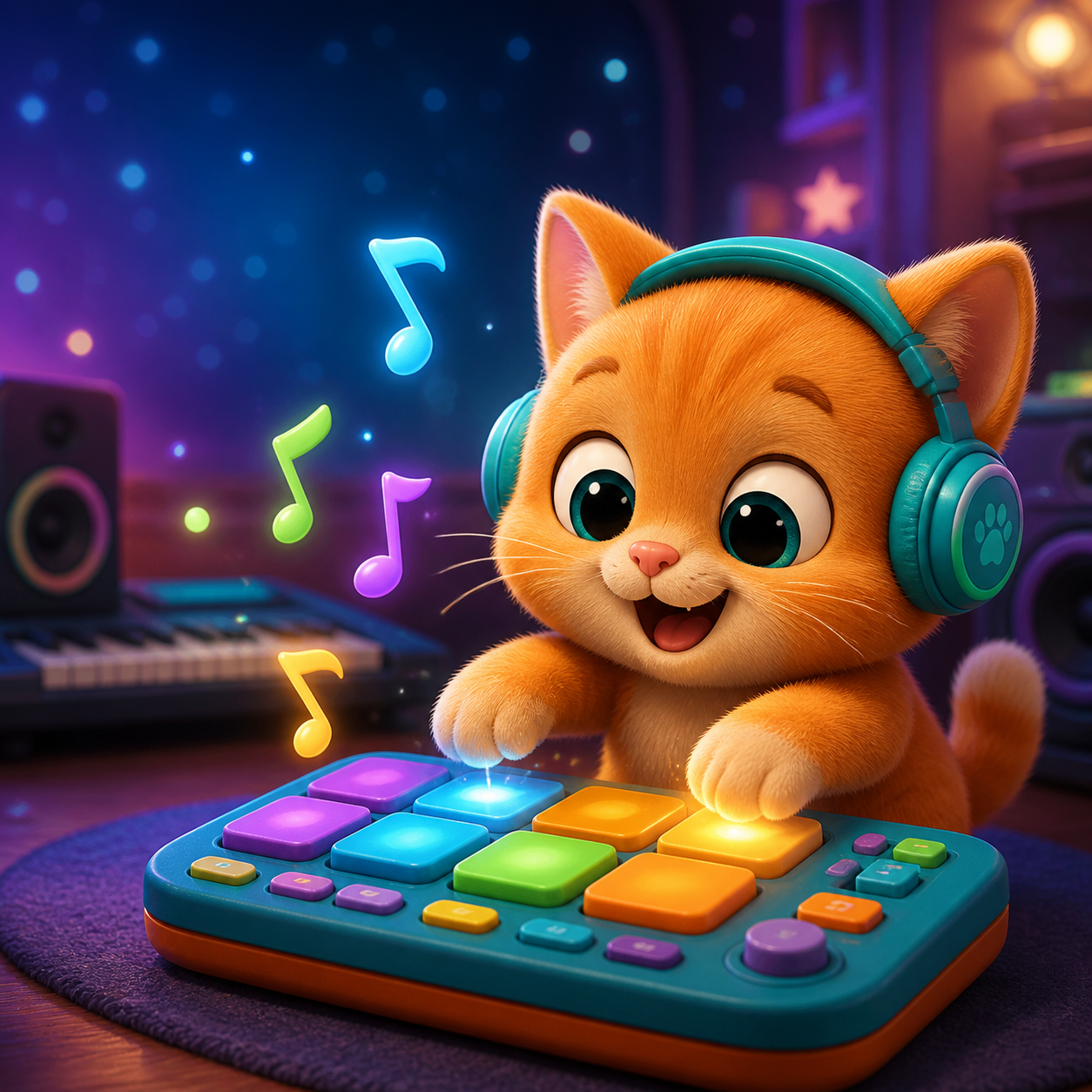
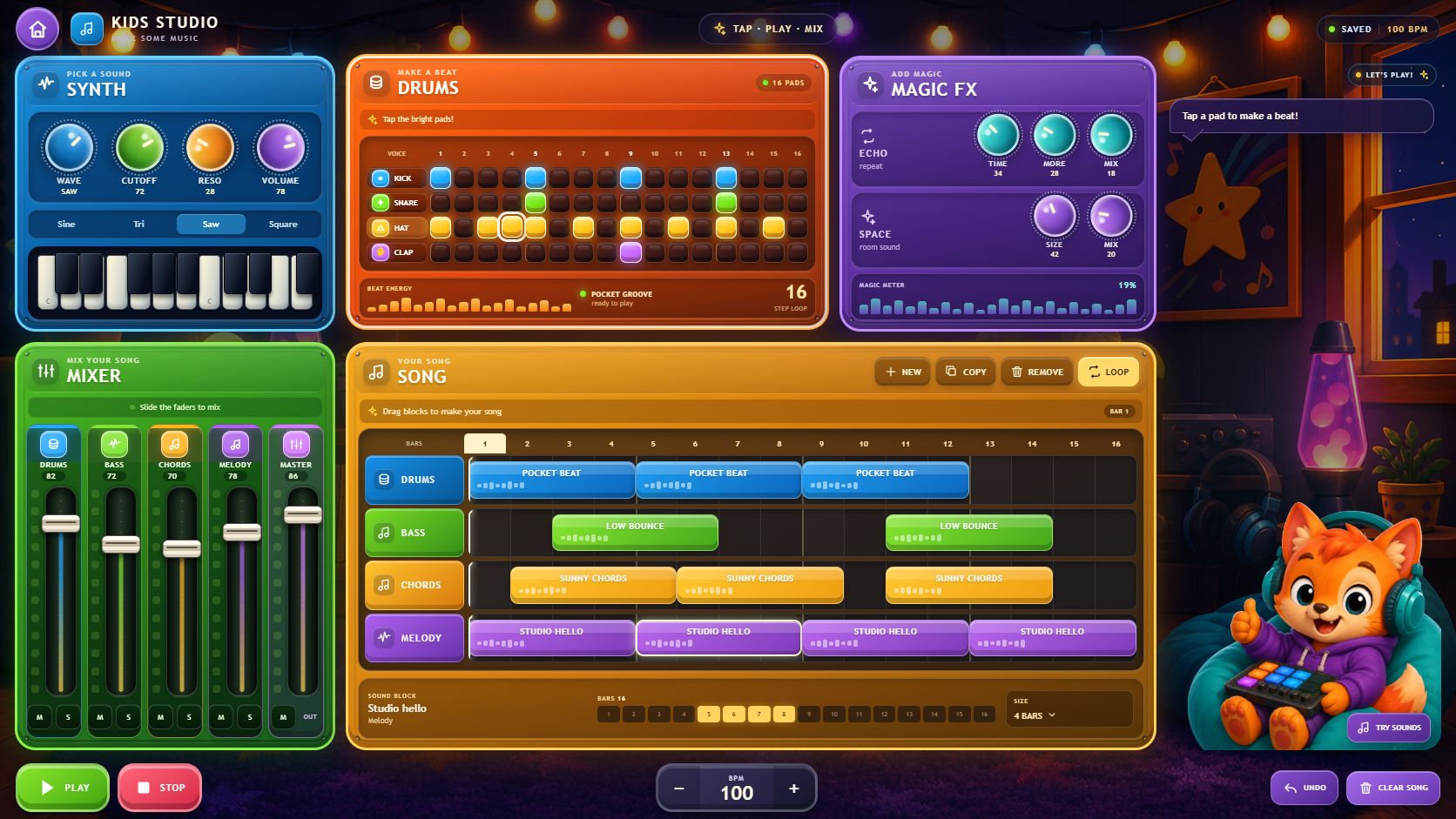
Kick, snare, hat and clap remain readable inside the full arrangement, with an active playhead and instant audible feedback.
PATTERN / LIVE PLAYBACK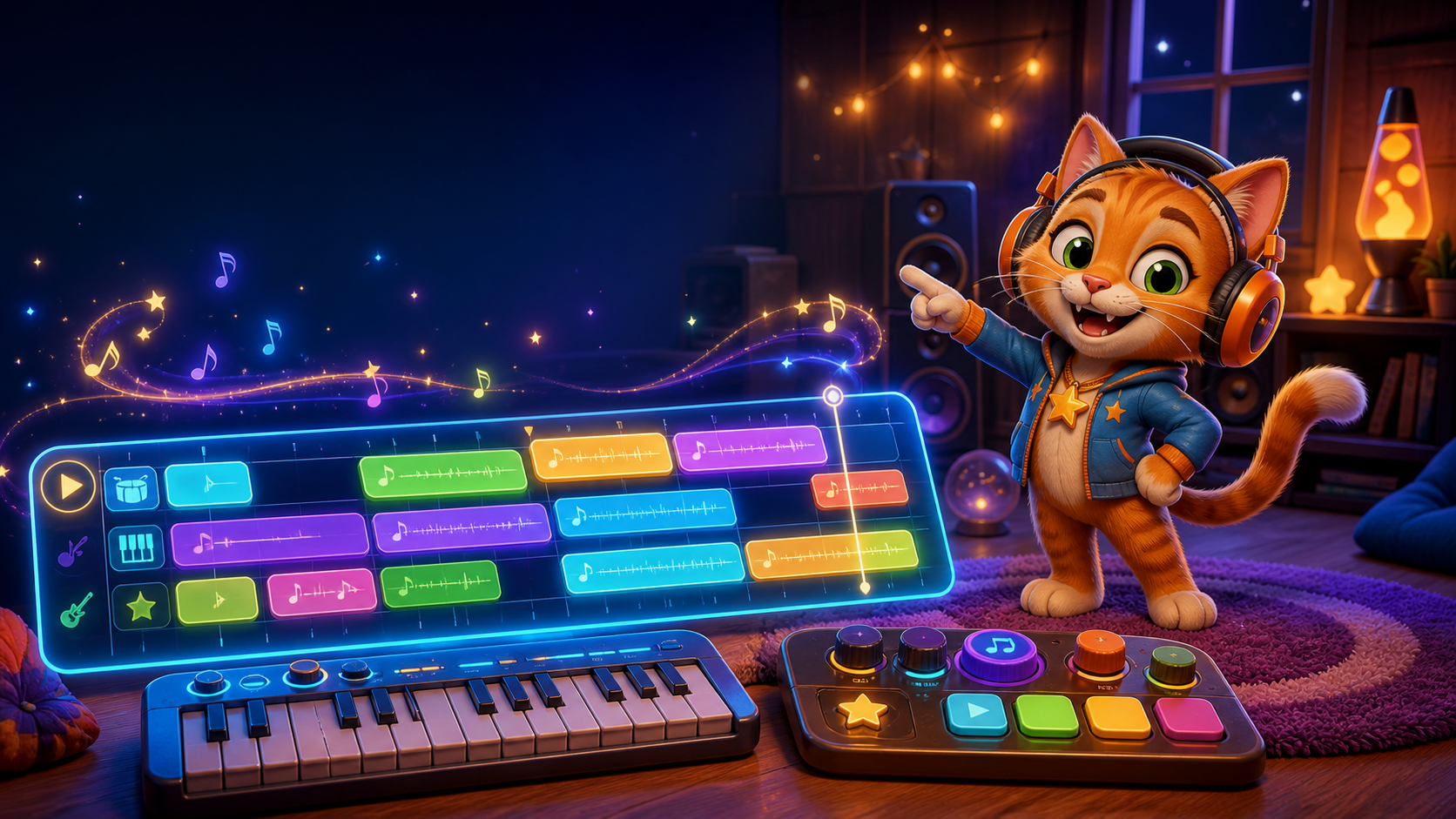
Chords, bass and melody are written as notes, then compressed into friendly colored clips. Select, drag, duplicate, delete or change a clip’s length to build a sixteen-bar arrangement.
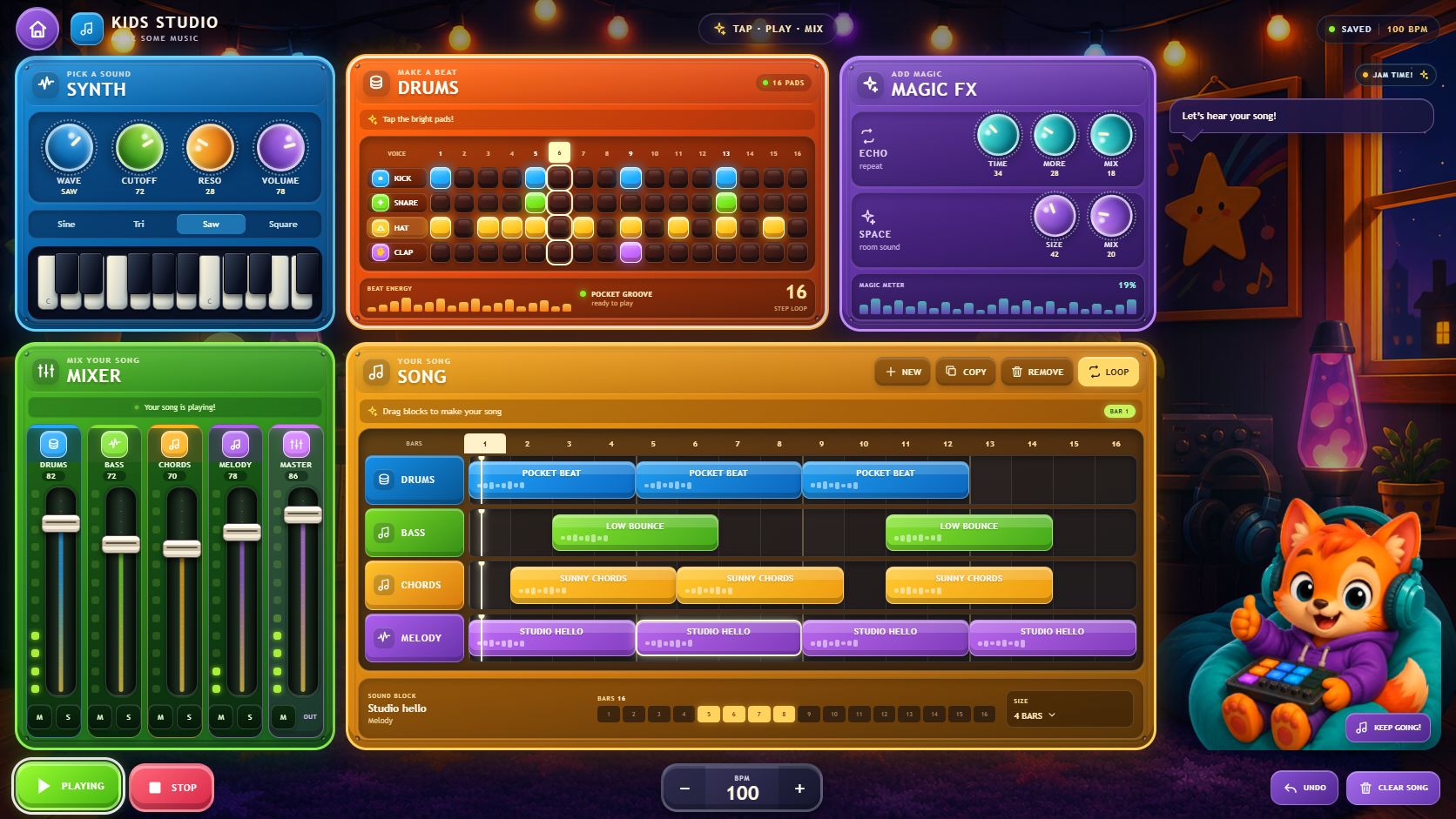
Drums, bass, chords, melody and master each keep a clear fader, mute and solo state while the song is playing.
MIXER / DELAY / REVERBComposition changes carry an undo history and the project snapshot is saved in the browser. Refreshing preserves the creative work, while playback deliberately starts stopped and waits for the first interaction.
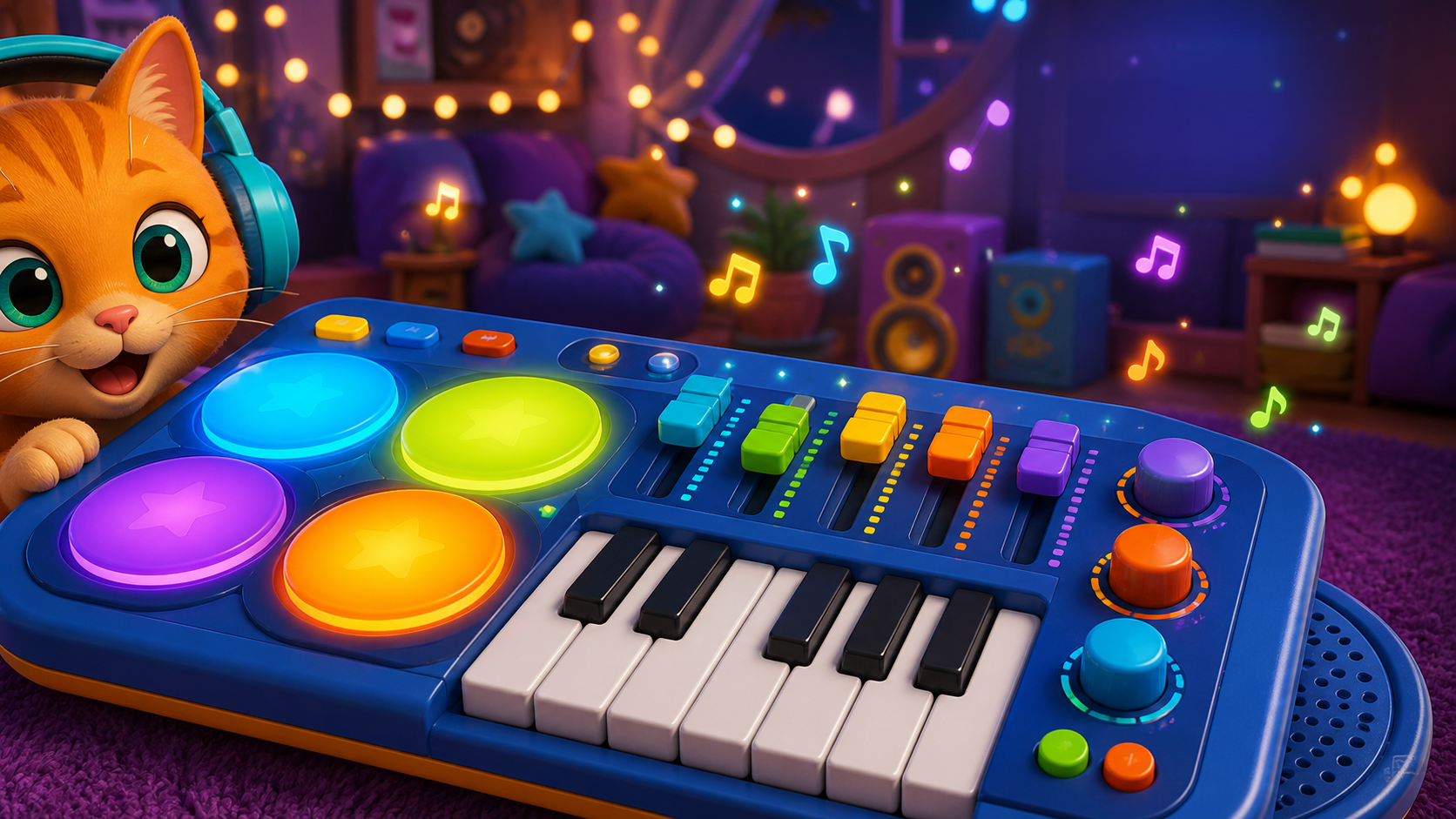
Kids Studio is live in the browser. Open it on desktop, press Play to unlock audio, then change the starter song or clear the arrangement and begin with a new beat.
OPEN KIDS STUDIO ↗