GESTURE / 01REACH.
REACH.
GRAB.
With hand tracking, pinch a block to catch it. With controllers, use the trigger. Two independent hands let you work from either side of the board.
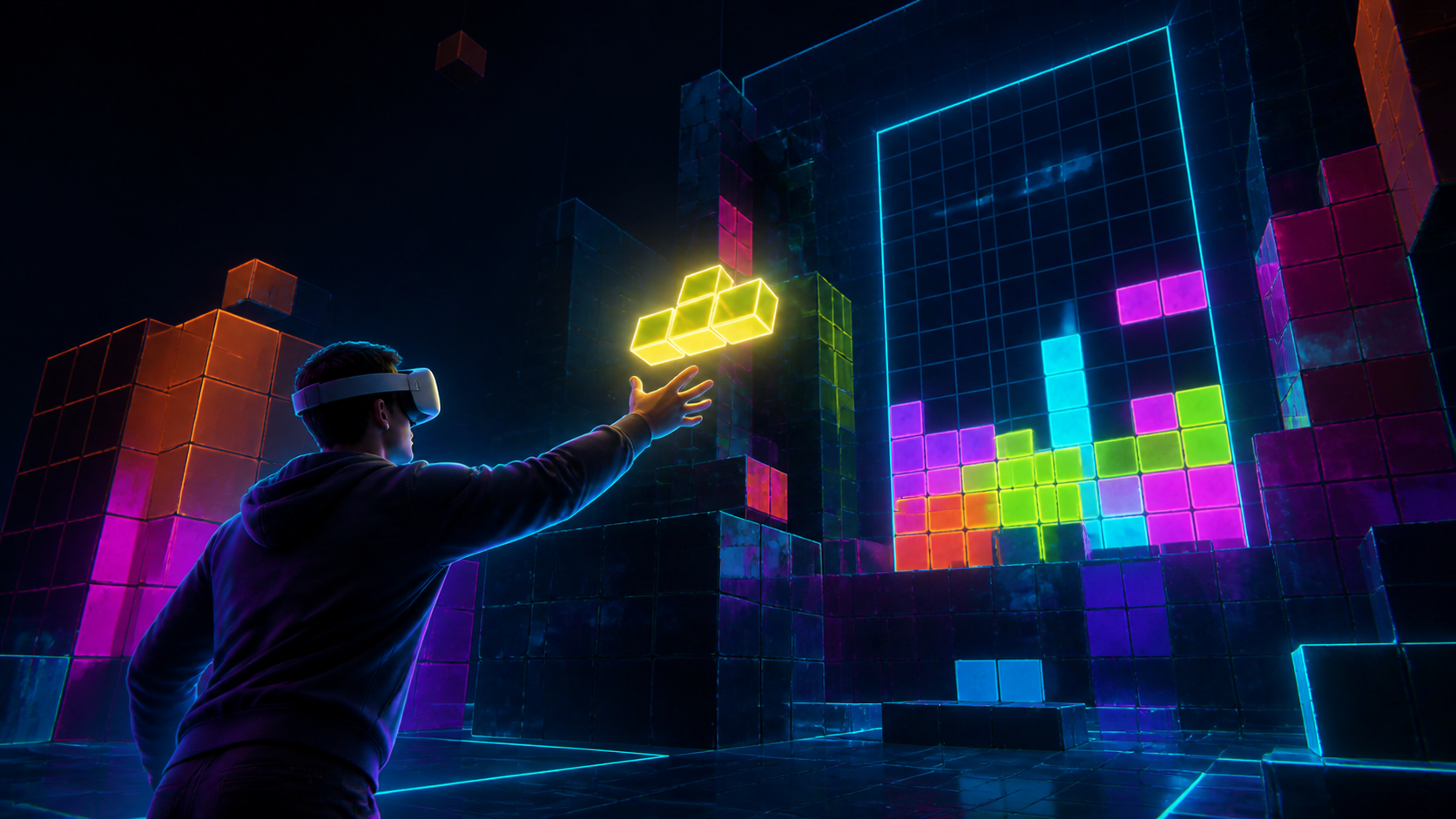
Select a floating tetromino directly in space.
PINCH / TRIGGERWEBXR / META QUEST / 02
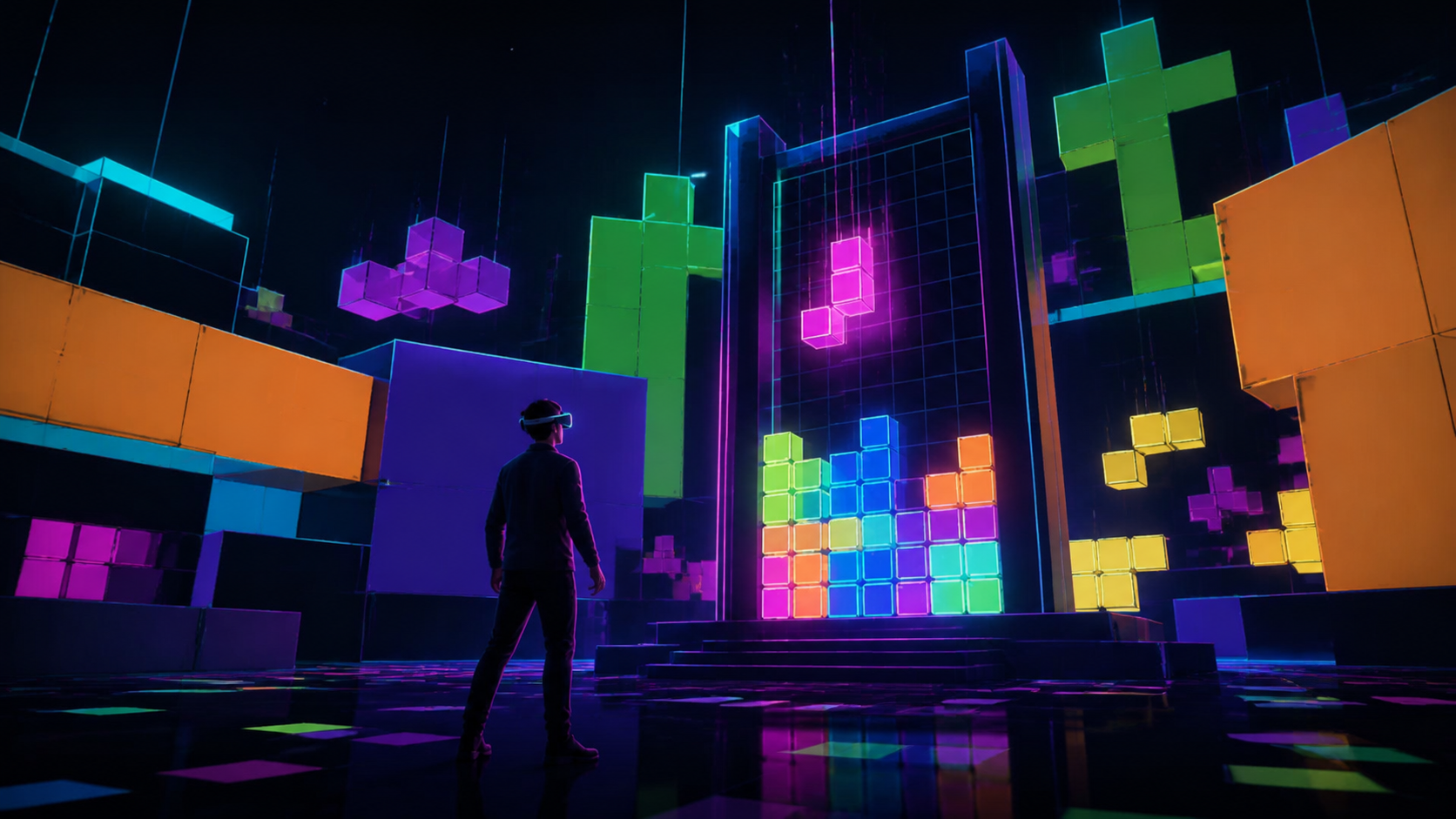
Catch the shape. Build the light.
VR Tetris is a browser-native Three.js game built around WebXR sessions, tracked hands and Quest-style controllers. One JavaScript rules model drives desktop testing and immersive play, while a deterministic quality system protects the headset frame budget.
THE GAME / 02
VR Tetris is a spatial block puzzle built for Meta Quest and the immersive web. Open it in the headset browser, catch glowing tetrominoes with tracked hands or controllers, rotate them in space and place them into the board to complete lines inside a monumental neon arena.
01Direct hand-tracking and controller input
02Two-handed spatial block placement
03Three.js neon arena with adaptive quality
04Reactive soundtrack built with Teder
Launch the live game in Meta Quest Browser, choose tracked hands or controllers and enter the immersive WebXR session.
Reach toward a glowing tetromino and grab it with a hand-tracking pinch or the controller trigger.
Twist the tracked hand in 90-degree steps or squeeze the controller grip to turn the piece.
Guide the complete shape into an open gap, release it and clear full horizontal lines before time runs out.
VR Tetris turns spatial block placement into a physical puzzle. Catch glowing pieces, rotate them in space and settle them into the board before the stack closes in.
PLAY VR TETRIS ↗Open the game URL in the browser inside your VR headset, choose hand tracking or controllers, then enter the immersive WebXR session.
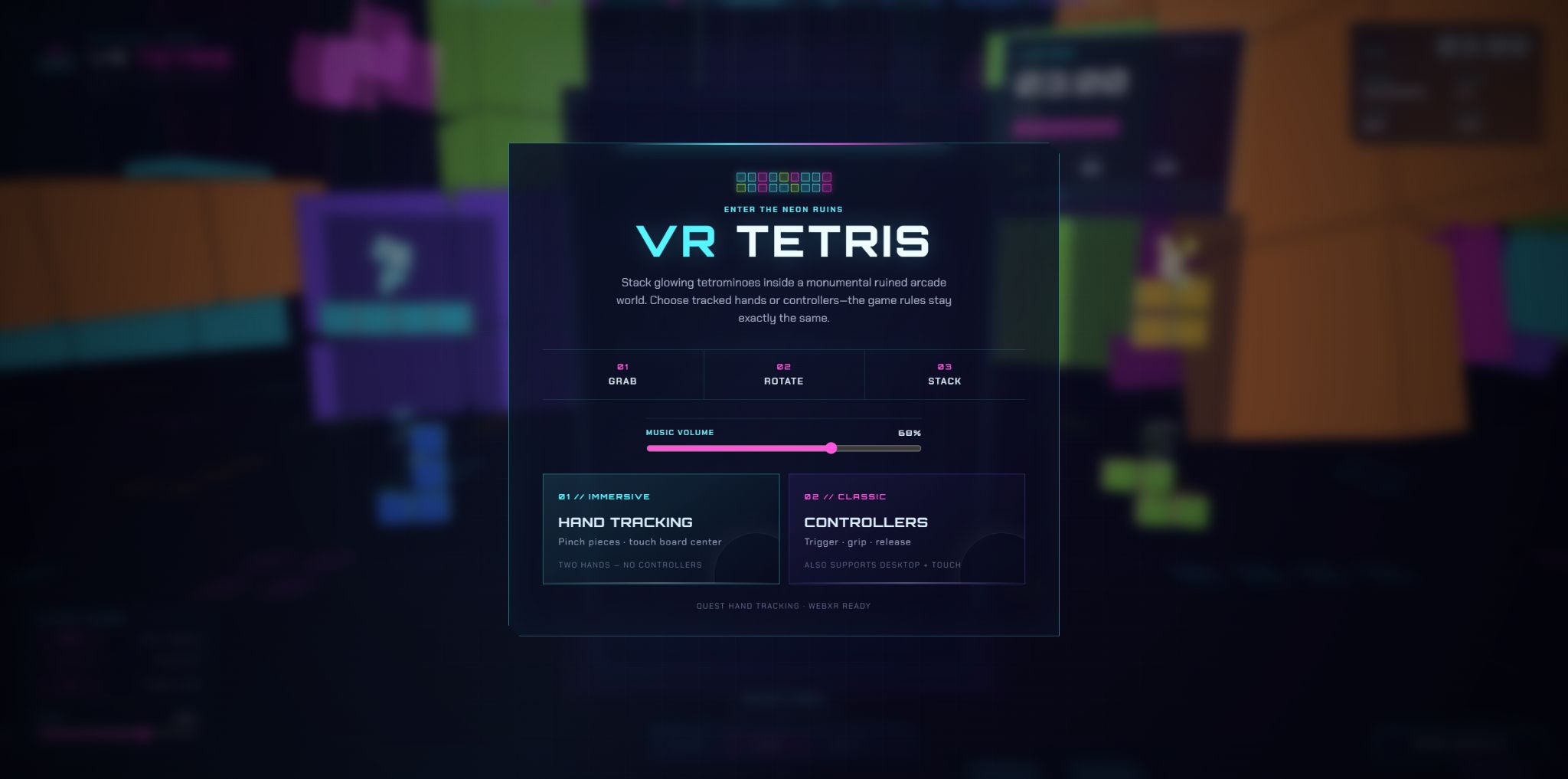
Choose tracked hands or controllers before entering the immersive session.
QUEST BROWSER / WEBXRPieces appear at both sides of the board. Reach toward a shape, grab it with a pinch or trigger, rotate it into position and release only when the complete piece fits.
With hand tracking, pinch a block to catch it. With controllers, use the trigger. Two independent hands let you work from either side of the board.
Select a floating tetromino directly in space.
PINCH / TRIGGERTwist the tracked hand in 90-degree steps, or squeeze the controller grip, then guide the full shape toward an open space in the grid.
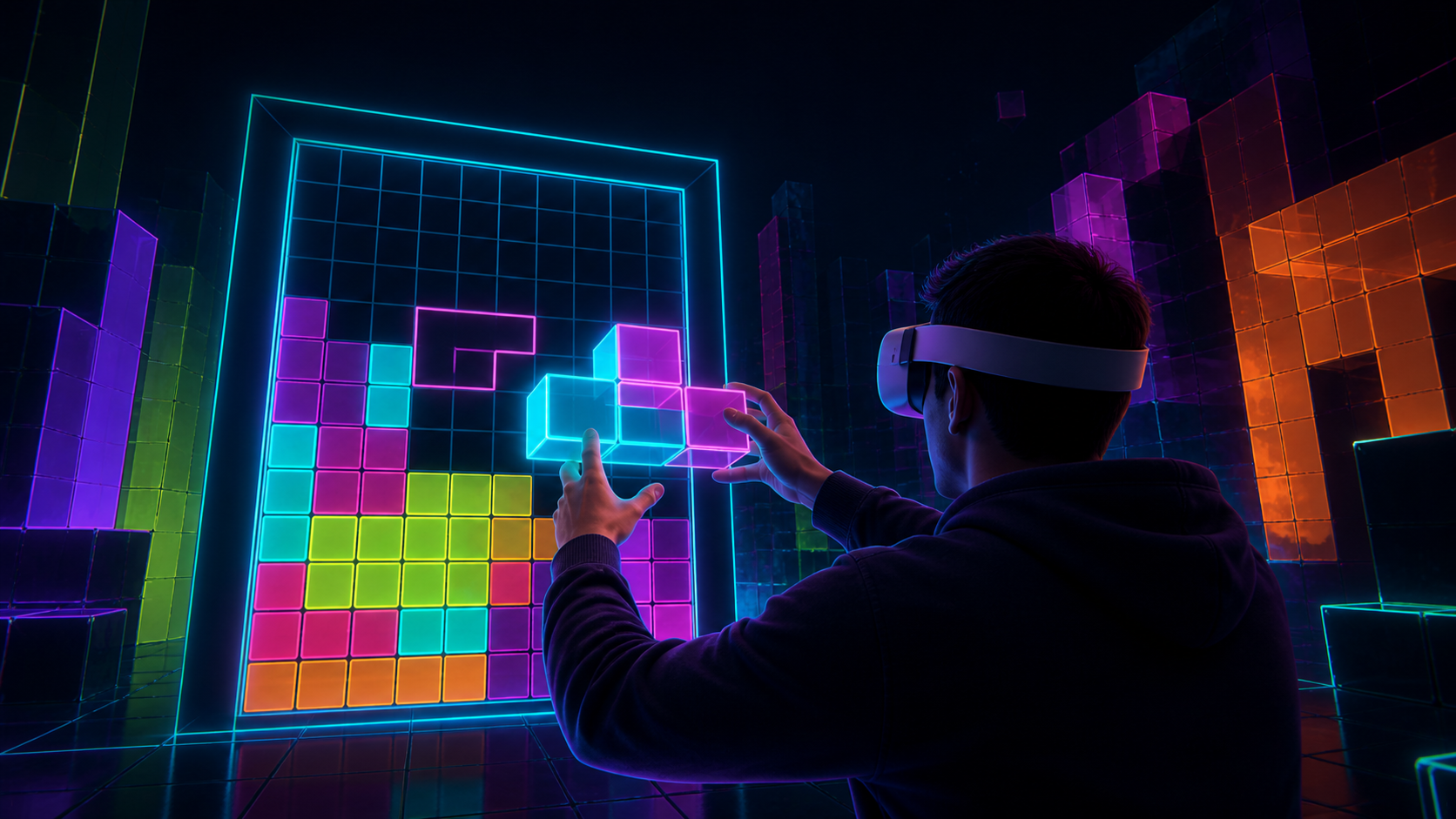
The placement preview confirms when the entire shape can fit.
ROTATE / ALIGN / RELEASEPlay naturally with tracked hands, or switch to familiar VR controllers. Both modes use the same board rules, timing and spatial placement system.
HAND TRACKINGPinch to grab · twist to rotate · open to release
CONTROLLERSTrigger to grab · grip to rotate · release to place
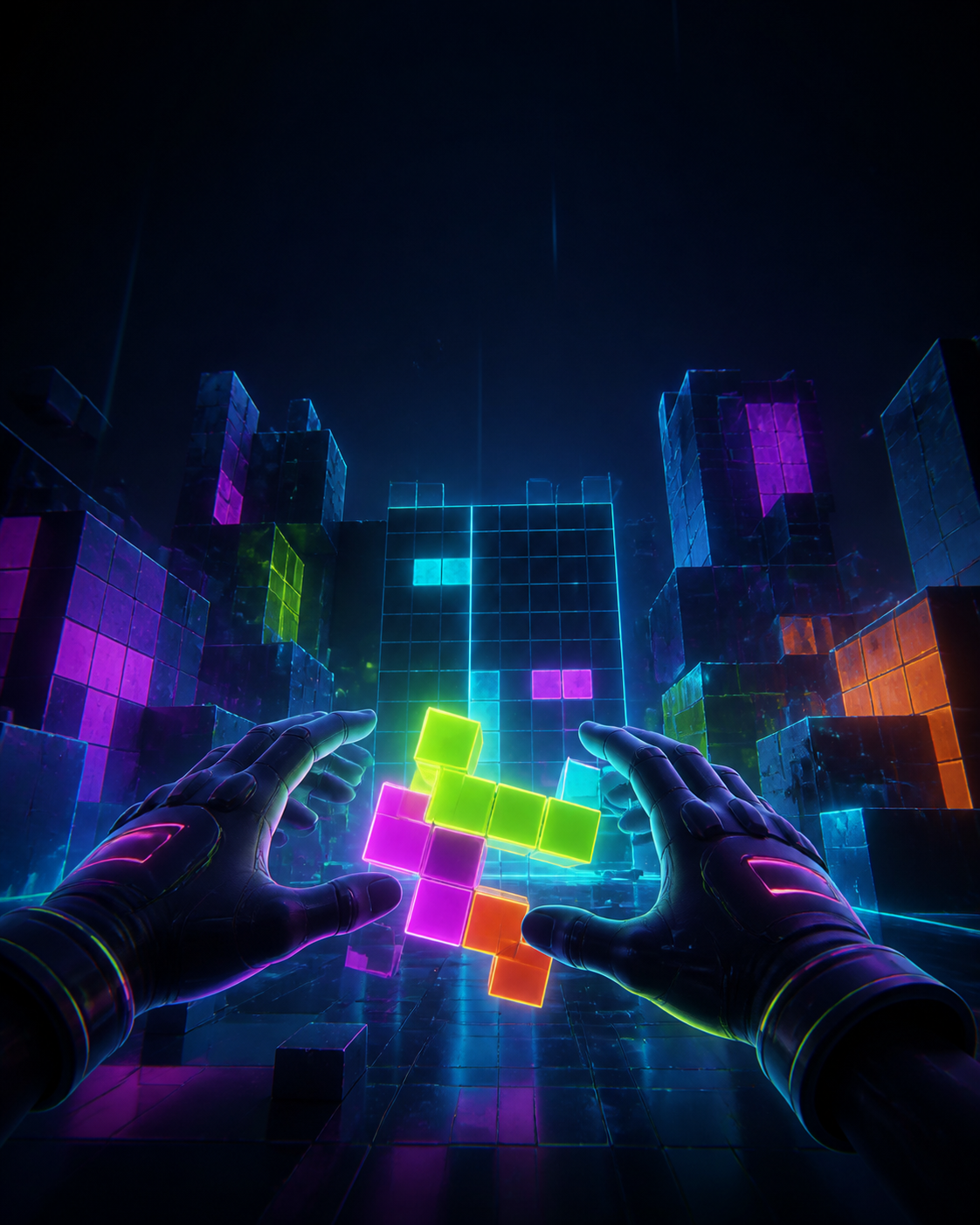
Direct hand tracking makes the board feel like a physical object in front of you.
TWO HANDS / NO CONTROLLERSThe game runs inside a monumental neon arena rather than a flat screen. The board, score, side racks and environmental tetrominoes share one spatial interface.
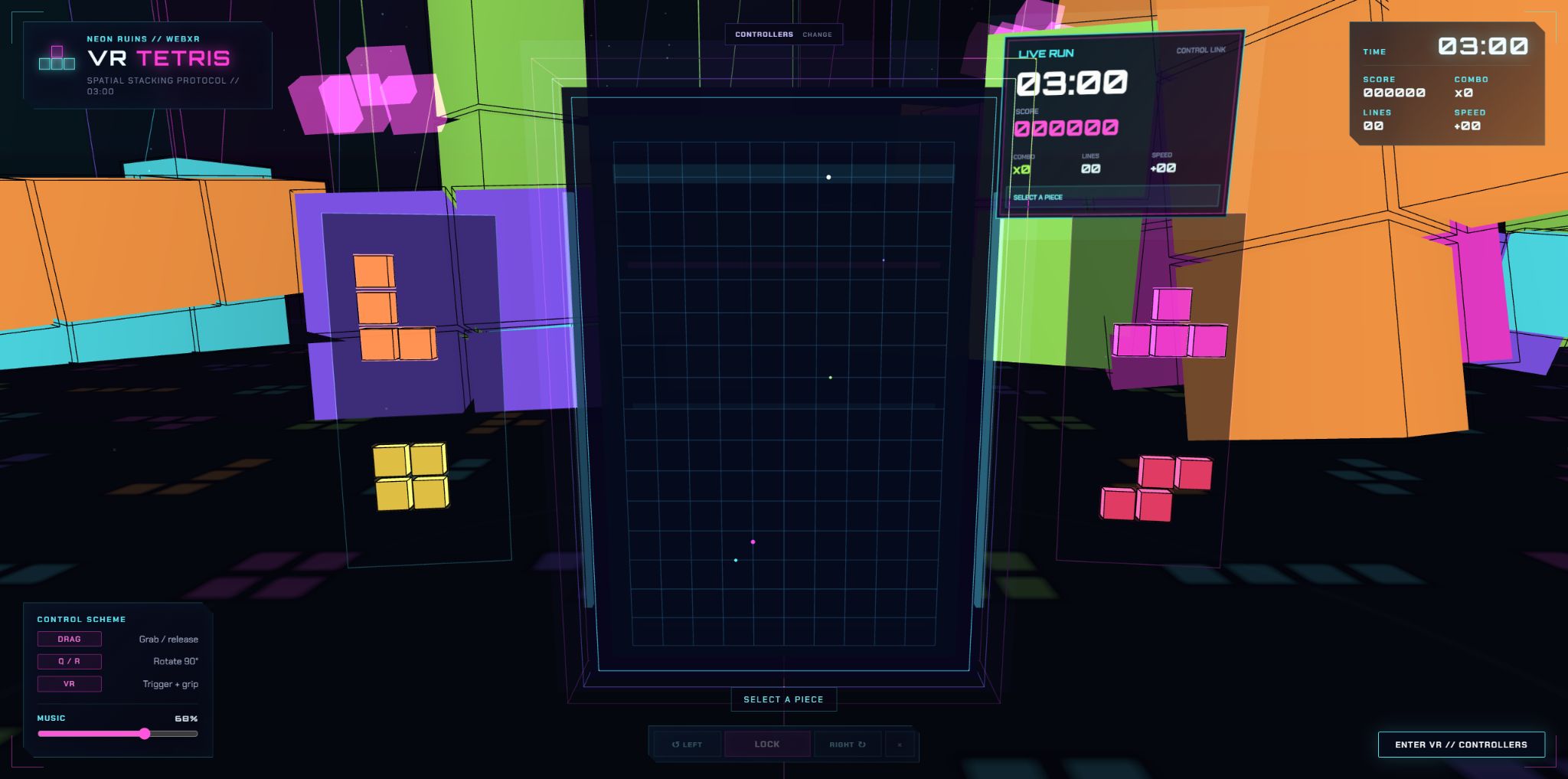
The published WebXR build combines the board, HUD and two-sided piece racks in one view.
THREE.JS / WEBXRComplete a horizontal line to clear it, lift the score and open space for the next shapes. The soundtrack rises with the level and reacts when the stack reaches danger.
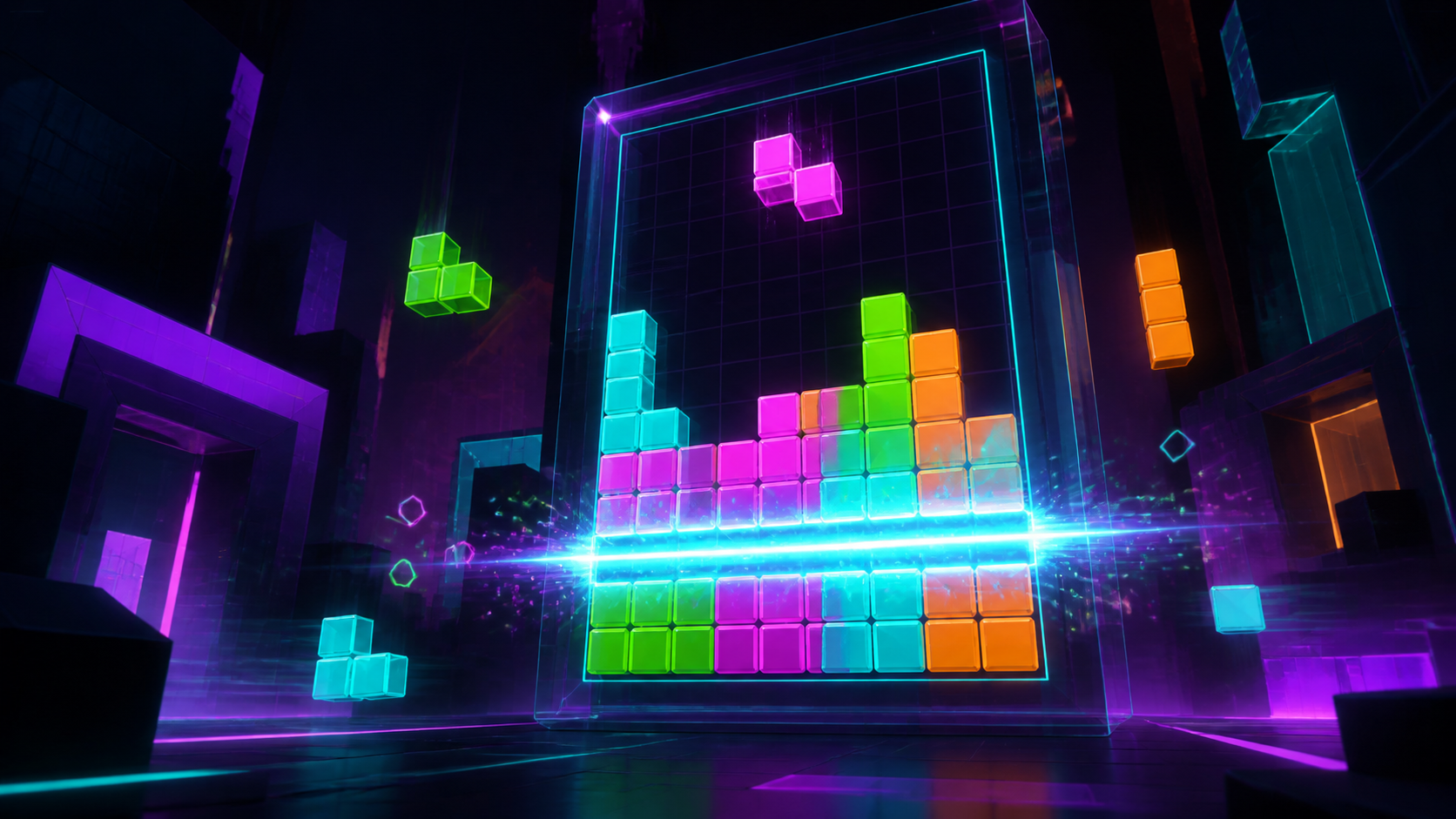
Complete rows break into light while the adaptive score moves into its next intensity state.
STACK / CLEAR / COMBOOpen the live game in Meta Quest Browser, select hand tracking or controllers and enter VR directly from the page.
PLAY VR TETRIS ↗