SyncMove
One speaker. Every phone in the room on the same frame.
Built for a room with one Bluetooth speaker. Viewers need only a phone browser; the show is run from a password-protected admin page. The interface is in Hebrew.
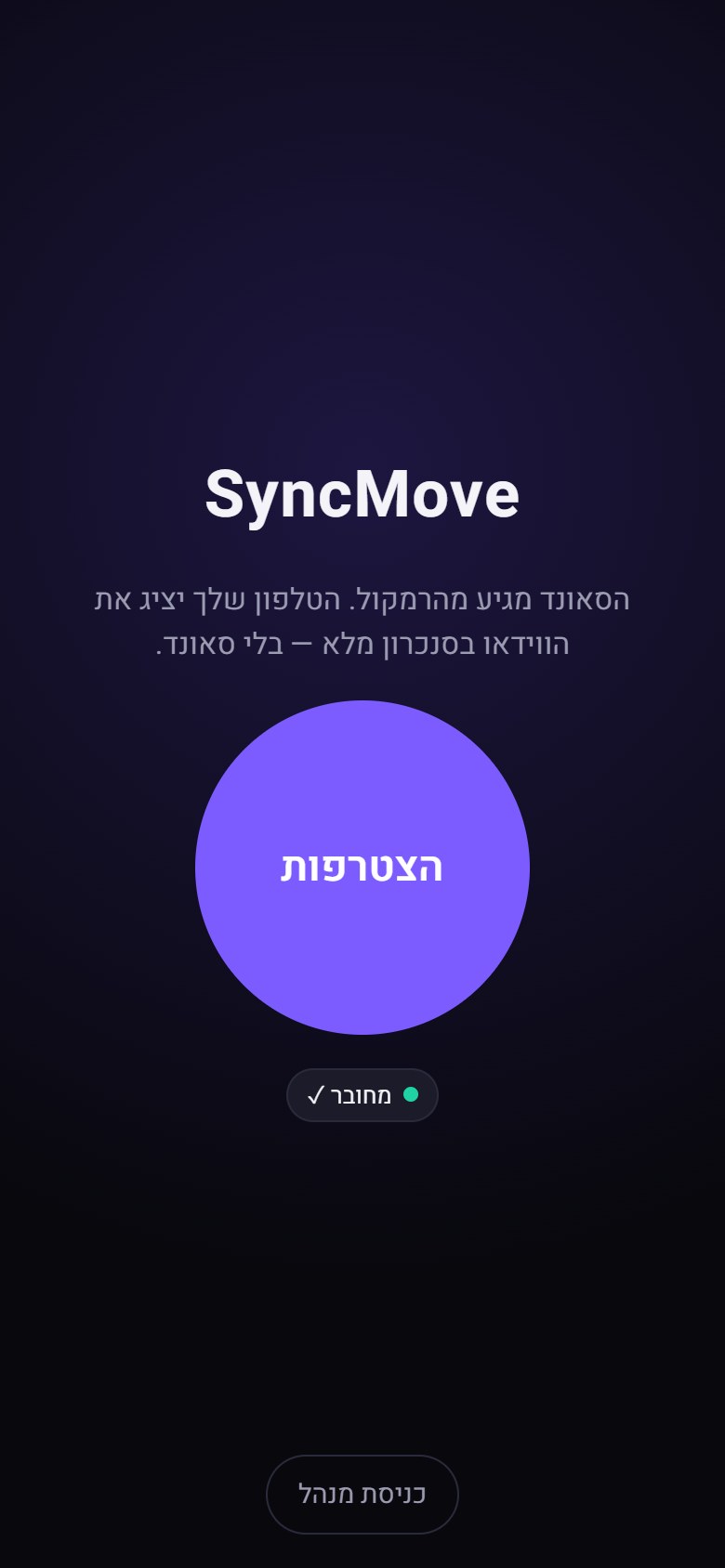 VIEWER / JOIN
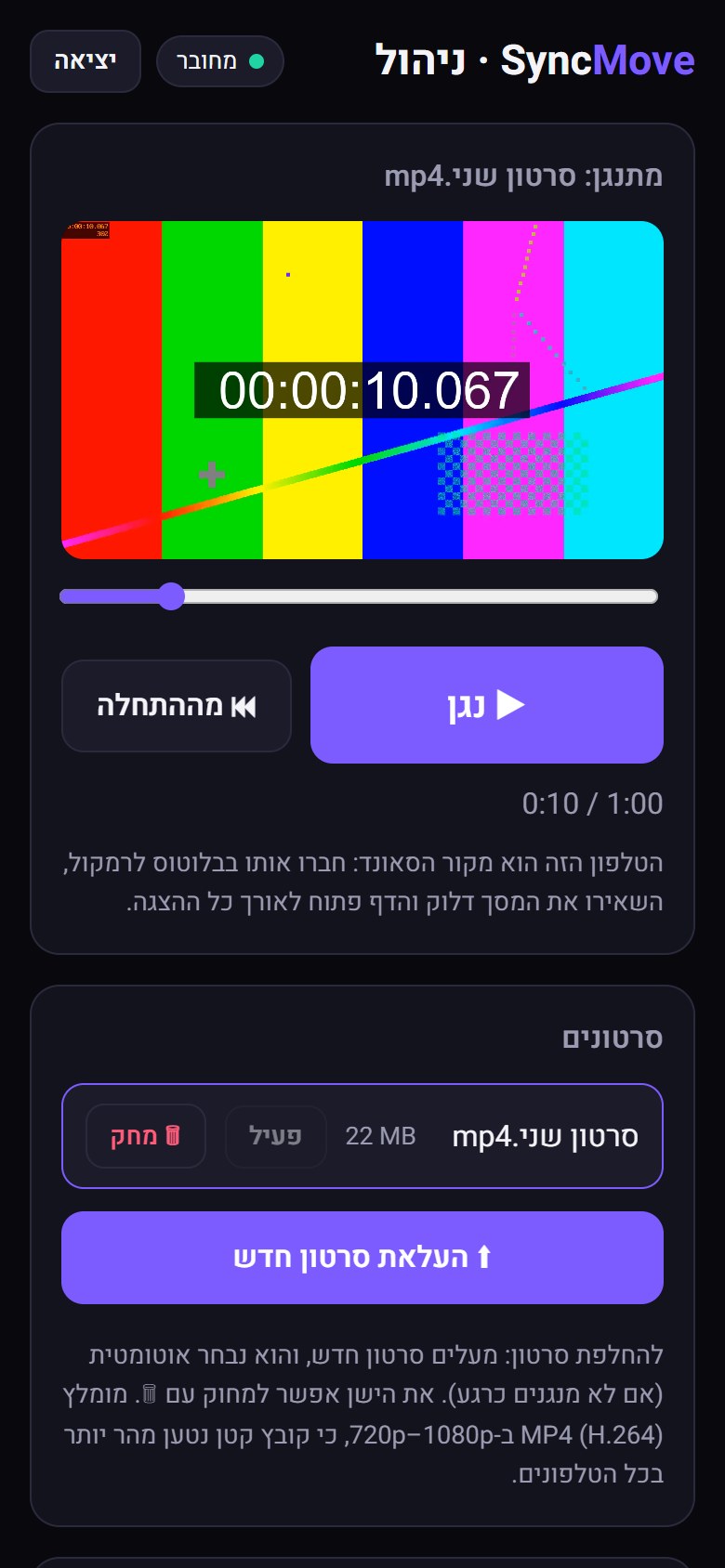 ADMIN / SOUND
 VIEWER / MUTED
ONE CLOCK.
EVERY SCREEN.
SyncMove is plain JavaScript and HTML pages on a Cloudflare Worker. One Durable Object holds every phone’s WebSocket, answers the clock-sync pings and keeps the playback state; the videos live in R2 and stream to the phones in byte ranges.
THE APP / 05
SyncMove plays one video across every phone in a room. The admin phone plays it with sound through a Bluetooth speaker; everyone else scans a QR code, taps Join and watches the same picture on their own screen, muted and in time with the speaker. There is nothing to install: it is a web page.
01Join by QR code or link, with no app or account
02Clock sync over WebSocket and automatic catch-up on every phone
03Speaker delay calibration for Bluetooth latency
04Upload, switch and delete videos from the admin phone
- 01SCAN
Viewers scan the QR code on the admin screen or open the link. No app, no account.
- 02JOIN
One tap on Join. The phone syncs its clock with the server and starts loading the video before the show.
- 03PLAY
The admin presses play. The admin phone sends the sound to the Bluetooth speaker; every other phone plays the picture, muted.
- 04FOLLOW
A phone that falls behind catches up on its own, and anyone who joins mid-show lands on the current frame.
STAY ON
THE FRAME.
Tested so far in browsers on one computer, where viewers held within 5–10 ms of the admin. On phones the result also depends on the network and the device.
- 01
CLOCK SYNC.
Every phone pings the server over a WebSocket and keeps the fastest round trips to estimate the server clock, checked again every few seconds.
- 02
ONE MASTER.
The admin phone is the master clock. On play, pause, seek or buffering it reports which frame was on screen at which server time, and re-anchors when its own playback drifts.
- 03
CATCH UP.
Each viewer works out where the video should be right now. A gap over half a second is closed with a jump; smaller gaps by playing up to 10% faster or slower, which a muted picture hides.
- 04
SPEAKER DELAY.
Bluetooth speakers play sound a little late. One offset delays the picture on every viewer to meet the sound, set live from the admin page while watching and listening.
RUN THE ROOM
FROM ONE PHONE.
The same phone that plays the sound runs the show: the video library, play and pause, the join QR code, the live sync report and the speaker delay.
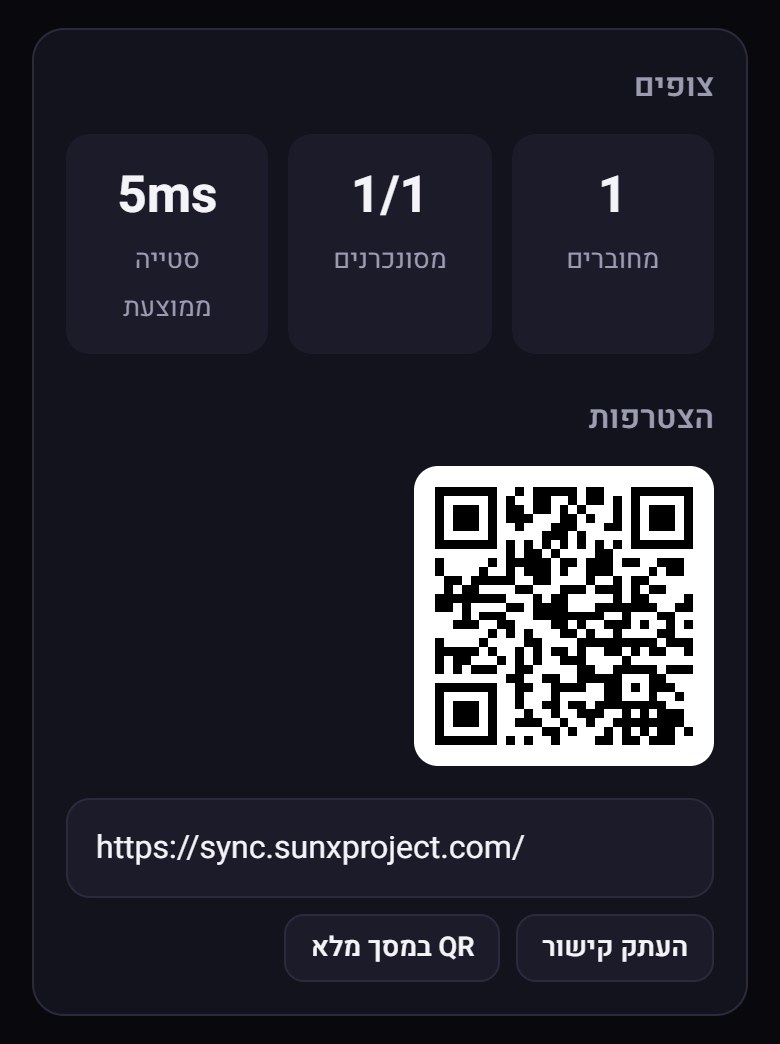
WHO IS IN SYNC.
Each viewer reports how far its picture is from the target. The admin sees how many phones are connected, how many are within 60 ms and the average drift, next to the QR code and link to share.
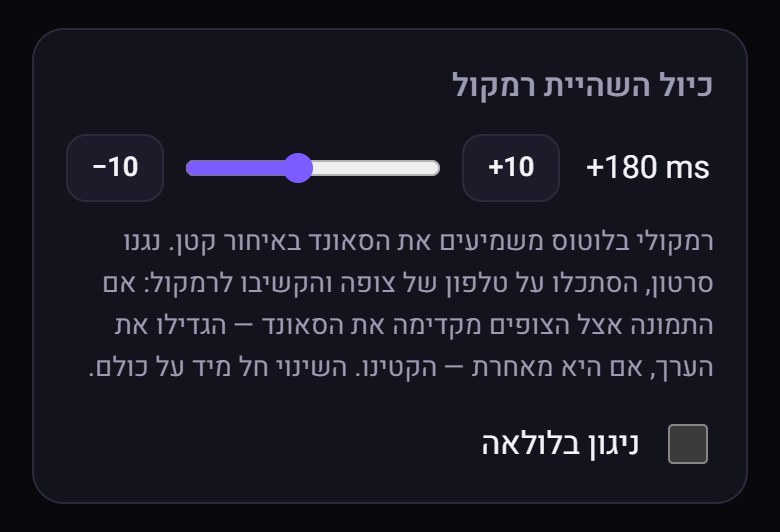
MATCH THE SPEAKER.
Drag the slider, or step it 10 ms at a time, until the picture on the phones lands on the beat from the speaker. The change reaches every viewer at once.
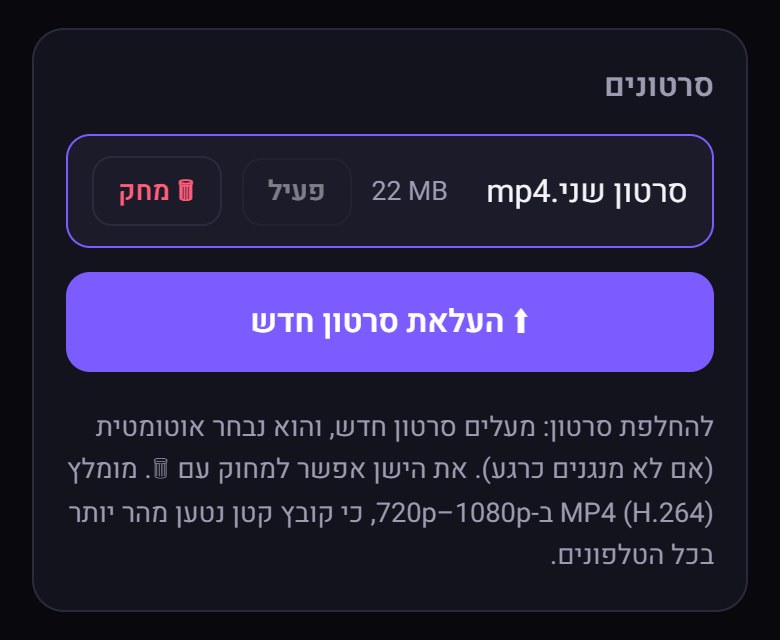
SWAP THE VIDEO.
Upload a new video from the phone and it becomes the one everyone sees, unless a show is playing. The old one goes with one tap.
START THE SHOW
SyncMove runs at sync.sunxproject.com. Viewers need only the link or QR code. The admin page is password-protected, and because that phone is the sound source it has to stay open on screen for the whole show. Videos are uploaded from the admin page; MP4 (H.264) is recommended so that every phone can play it.
OPEN SYNCMOVE ↗